Print on Apparel

Customize apparel below

Category:
Custom Apparel Builder Build your order step by step.
1 Choose apparel Pick a garment
2 Choose color Select a shade
3 Enter quantities Set size counts
4 Choose print areas Pick locations
5 Upload your design Add artwork
6 Review order Check print groups
Production Ready Complete the remaining setup steps.
Browse apparel, choose your options, then review your print groups.

Choose Your Apparel

Select a catalog apparel item, then customize color, size, artwork, and placement below.

Choose Blank Apparel

Select a garment below. Pricing shown is apparel-only with no print included.

Showing 6 of 77 products
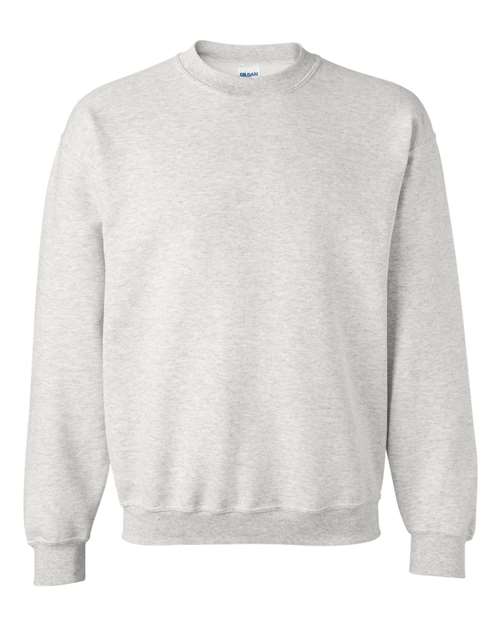
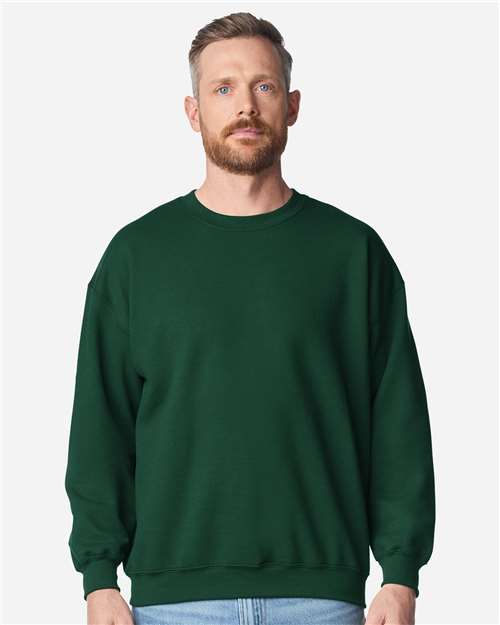
Unisex DryBlend® Crewneck Sweatshirt
Gildan

Unisex DryBlend® Crewneck Sweatshirt

Fleece - Core - Crew • Style 12000

From $13.99Customize This
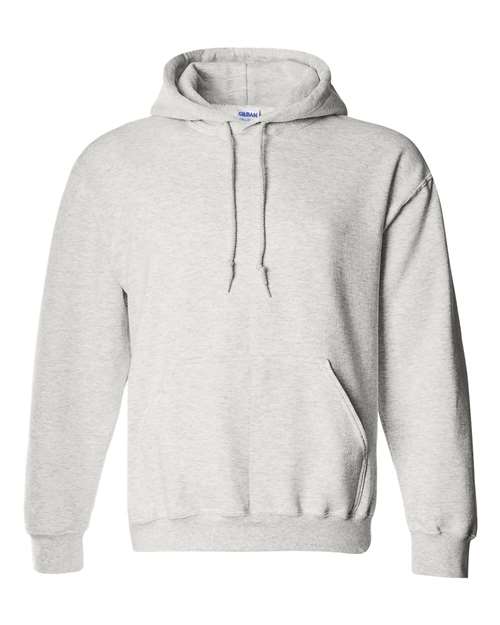
Unisex DryBlend® Hooded Sweatshirt
Gildan

Unisex DryBlend® Hooded Sweatshirt

Fleece - Core - Hood • Style 12500

From $20.70Customize This
Unisex Heavy Blend™ Crewneck Sweatshirt
Gildan

Unisex Heavy Blend™ Crewneck Sweatshirt

Fleece - Core - Crew • Style 18000

From $12.79Customize This
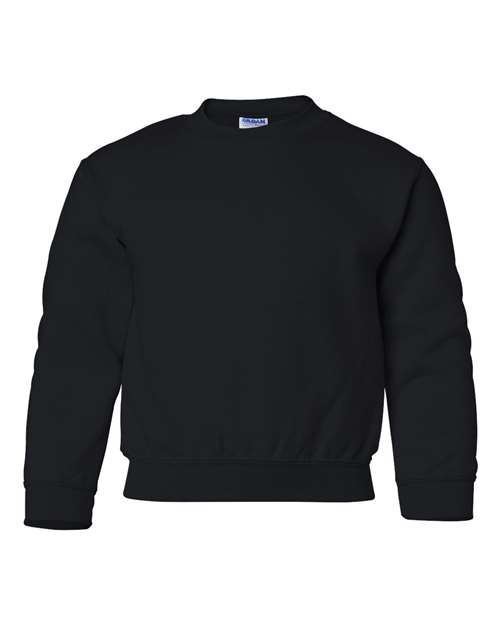
Youth Heavy Blend™ Crewneck Sweatshirt
Gildan

Youth Heavy Blend™ Crewneck Sweatshirt

Fleece - Core - Crew • Style 18000B

From $12.48Customize This
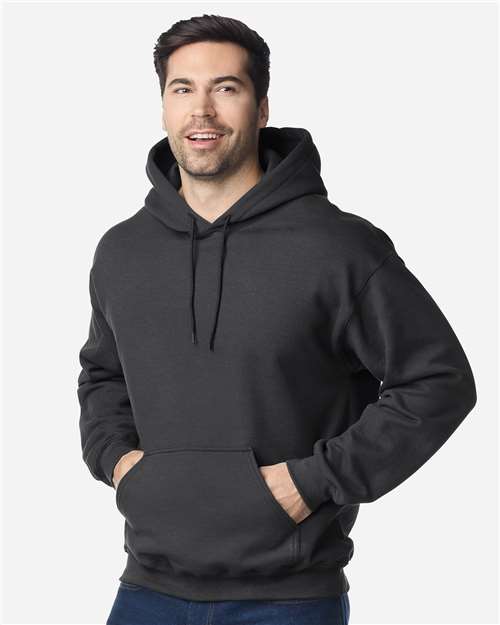
Unisex Heavy Blend™ Hooded Sweatshirt
Gildan

Unisex Heavy Blend™ Hooded Sweatshirt

Fleece - Core - Hood • Style 18500

From $16.04Customize This
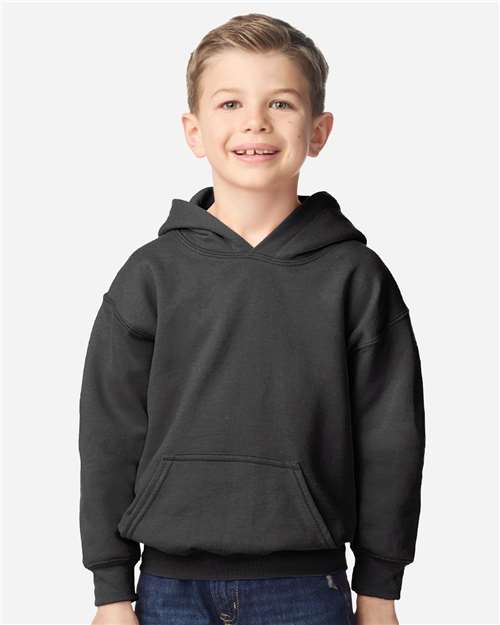
Youth Heavy Blend™ Hooded Sweatshirt
Gildan

Youth Heavy Blend™ Hooded Sweatshirt

Fleece - Core - Hood • Style 18500B

From $17.68Customize This
Showing 6 of 77 products
Next step Build your custom apparel

Follow the steps above to build your custom apparel. First, choose your apparel and preferred options.

1 2 3 4 5 6
EZPRESS Design Studio
Editing placement Full Front

Upload and position artwork for this print location.
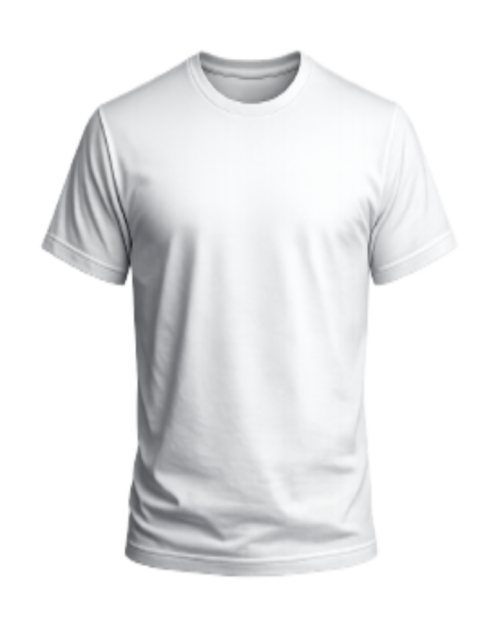
Preview print group:
Current design setup
Placement: Full Front
Preview Layout: Adult XS-S 10"W × 12"H
Drag your design here Or choose artwork from
Log in to access saved artwork. Ready for artwork.
Artwork Controls

Drag artwork to reposition. Use controls to resize or rotate; changes update your selected placement.

First upload applies to all selected print locations.

Artwork quality Upload artwork to estimate print quality. Pending
Preview only Artwork placement shown here is an estimate. Final print setup is based on selected size, placement, artwork, and production review.
Artwork Options

Primary uploads happen in the preview workspace. You can also replace the current file or choose a saved design below.
My Artwork Saved artwork coming soon
For now, use My Device or Preset Designs.
Preset Designs Start with a ready-made design template.
Loading preset designs...
i
Smart Auto-Fit Your artwork is automatically placed and sized to fit the selected print area while maintaining aspect ratio. You can move, resize, or rotate your artwork as needed.
  • Keeps Design Proportions
  • Fits Inside Print Area
  • Top-Aligned for Full Front/Back
  • Center-Aligned for Other Placements
Scroll to Top